What to do with an old laptop that still works
Havenfold team ·
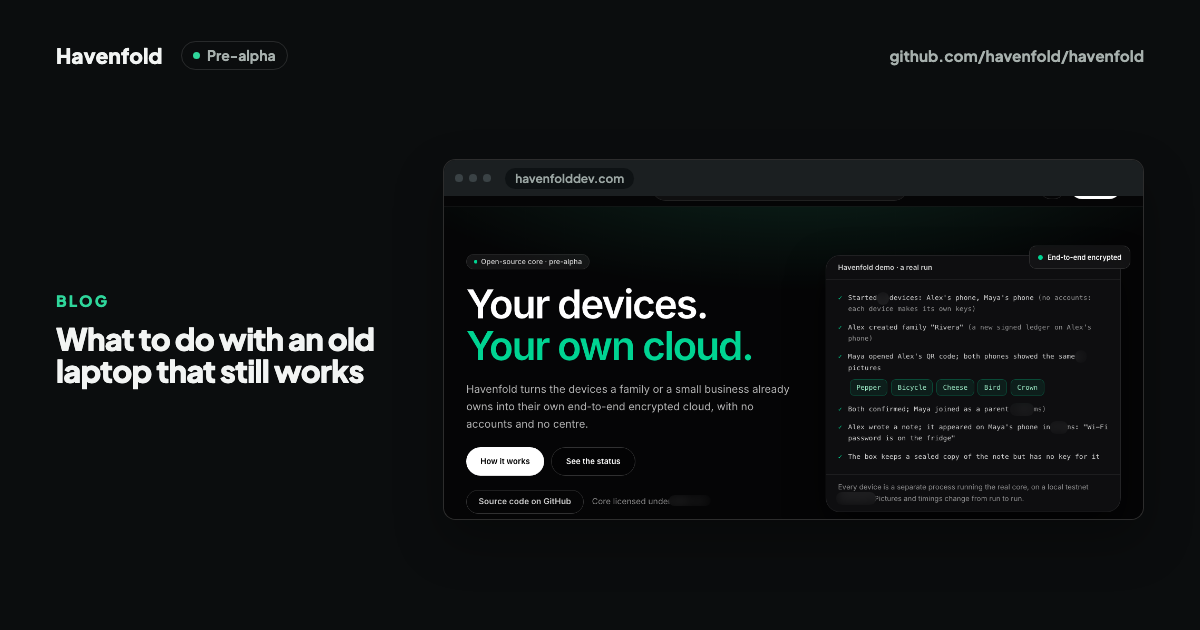
An old laptop that still works has more uses than a drawer: someone else can use it, it can be sold or recycled responsibly, or you can give it a new job at home, such as a second screen, a computer for the kids or a small home server. Whatever you choose, the first step is the same: copy what you want to keep, then wipe it properly.
This post goes through the options in the order most people should consider them, with what each one asks of you. It's written by the Havenfold team, so the home-server option comes up, but it's one option among several, and Havenfold itself is pre-alpha.
Step zero: back up and wipe
Before a laptop leaves your hands, or takes on a new job, two things should happen:
- Copy what you want to keep. Photos, documents and saved passwords. Check that the copy opens on another device.
- Sign out and wipe. Sign out of your accounts and cloud services, then use the operating system's own reset: Microsoft documents how to reset a Windows PC and remove everything, and Apple documents how to erase a Mac and reset it to factory settings.
For drives holding sensitive data, the reference for how to sanitise storage media is the US National Institute of Standards and Technology's guideline NIST SP 800-88. Most families won't need more than a full reset, but if the laptop held business or health records, it's worth reading.
Option 1: give it to someone who will use it
A working laptop is most useful in someone's hands. The US Environmental Protection Agency puts it simply: donating and recycling electronics helps conserve resources and materials, and it's important to do it safely and correctly.
- Family and friends: a relative who needs a computer for school work or video calls.
- Schools, libraries and charities: many accept working laptops; ask first what they can use and whether they want the charger.
- What it asks of you: a proper wipe, the charger, and honesty about the battery and any faults.
Option 2: sell or trade it in
If the laptop still has value, selling it or trading it in can fund a replacement.
- What it asks of you: the same wipe as above, photos and a fair description, and some care with buyers.
- Keep in mind: if you can't wipe it properly (a broken screen, a machine that won't boot), take the drive out before selling or recycling.
Option 3: recycle it properly
If nobody can use it, don't put it in household rubbish. Electronics contain materials that should be recovered and parts that shouldn't go to landfill.
- What it asks of you: finding an authorised collection point in your area; in many places municipalities or electronics retailers run them.
- Keep in mind: wipe or remove the drive before it goes, just as you would when donating.
Option 4: give it a new job at home
If you'd rather keep it, an old laptop can do quieter jobs well:
- A kids' or guest computer: a fresh install with separate accounts is often enough for homework and browsing.
- A second screen or a kitchen display: for recipes, calendars or video calls.
- A lightweight Linux machine: a lighter operating system can make an old laptop feel usable again.
- A small home server: for files, media or home tools, if someone in the family is comfortable maintaining it.
A home server is the most demanding of these. It means turning off sleep, limiting battery charging, encrypting the disk and, above all, not opening it to the internet or to every device on your Wi-Fi. We wrote a separate, practical guide on turning an old laptop into a home server.
Where Havenfold fits, and where it doesn't
Havenfold's README starts from this very drawer: "Most homes and small shops have a drawer of devices that still work: an old laptop, a retired phone, a tablet nobody uses." The project's aim is to turn those devices, together with the family's phones, into the family's own end-to-end encrypted cloud, with no accounts. In its design, an old laptop converted to Linux can be the family's main worker and can act as a box that keeps sealed copies it cannot read.
The honest status: Havenfold is pre-alpha. Do not use it for real data. Its installer has been tested only in a virtual machine, it has not run in a real home, and there has been no independent security audit. If your goal this month is to put an old laptop to good use, options 1 to 4 above work today. If you're curious about accountless family infrastructure, the design and code are open, and a spare laptop with throwaway data is a fine place to try the demo.
Summary
- Before anything else, copy what you want to keep and wipe the laptop with the operating system's own reset.
- Giving it to someone who will use it is usually the first option to consider; selling or trading in is next.
- If nobody can use it, recycle it at an authorised collection point, with the drive wiped or removed.
- At home, it can become a kids' computer, a second screen, a lightweight Linux machine or a small home server.
- Havenfold aims to turn spare devices into a family's own cloud, but it is pre-alpha and not for real data yet.
Havenfold is pre-alpha: do not use it for real data. It has not yet run in a real home, and there is no independent security audit yet.
Sources