What happens to your files if you stop paying for iCloud or Google One
Havenfold team ·
If you stop paying for iCloud+ or Google One and you store more than the free amount, your files are not deleted on the spot: with iCloud, syncing and backups stop, and with Google, new uploads and backups stop and your content can be deleted if you stay over quota long enough. The safe order is always the same: download what you want to keep, bring your storage under the free limit, and only then cancel.
This post sets out what Apple's and Google's own support pages say, step by step, and then explains why this question matters to the people building Havenfold. Havenfold is pre-alpha and is not a replacement for either service today.
iCloud+: what Apple says happens
Apple's support page "Downgrade or cancel your iCloud+ plan" says the change takes effect after your current billing period ends. If what you store is more than your new storage amount, the page lists two consequences:
- "iCloud won't sync or update your information."
- "iCloud backups won't complete."
Syncing and backups restart when you increase your storage or delete information. Apple's own advice before downgrading is to "download or remove content that exceeds your new storage amount" so you don't lose information.
In practice, this means new photos stop reaching iCloud and your device backups stop being updated. Your existing content isn't described as deleted on that page, but a library that no longer syncs or backs up isn't protected either.
Google One: what Google says happens
Google's help pages are more specific about the long term.
- When the membership ends: Google says your storage and benefits "won't go away immediately"; you keep them until the end of the billing cycle.
- When you are over quota: Google's storage help page lists what stops. You can still sign in, but you can't upload new files to Google Drive or back up photos and videos to Google Photos, Gmail may stop sending and receiving messages, and nobody can edit or copy affected files until you reduce your usage.
- If you stay over quota: Google's purchase and cancellation policy says: "If you're over your storage quota for 2 years or longer, all of your content may be deleted from your Google account." The storage help page adds that Google will try to give "at least three months" notice before content may be deleted.
So the risk with Google is slower but more final: nothing disappears the day you cancel, but content left over quota for long enough can be removed.
Before you cancel: a checklist
- Look at what you actually store. Both services show a storage breakdown: photos, backups, mail, drive files.
- Download a full copy. Apple has guides for downloading iCloud photos and videos and for archiving what you keep in iCloud. Google Takeout downloads an archive of your Google data.
- Check the copy opens. Open a few photos and documents from the downloaded copy on another device before you delete anything.
- Keep a second copy elsewhere. A single external drive in the same home is better than nothing, but a second copy in another place protects against fire, theft or a dead disk.
- Bring storage under the free limit, then cancel. Delete or move what you've safely copied until you're under the free amount, so syncing, backups and mail keep working.
Why this question matters to us
Havenfold's README starts from this exact situation: most homes have a drawer of devices that still work, while their photos, documents and passwords live with cloud companies, and "when a company shuts a service down or raises its prices, the data goes with it or becomes expensive to keep."
The idea behind Havenfold is that a family's data should outlive any single company or subscription, including ours. Two parts of the design follow from that:
- Data stays on the family's devices. The cloud is an optional accelerator, not the place the data lives.
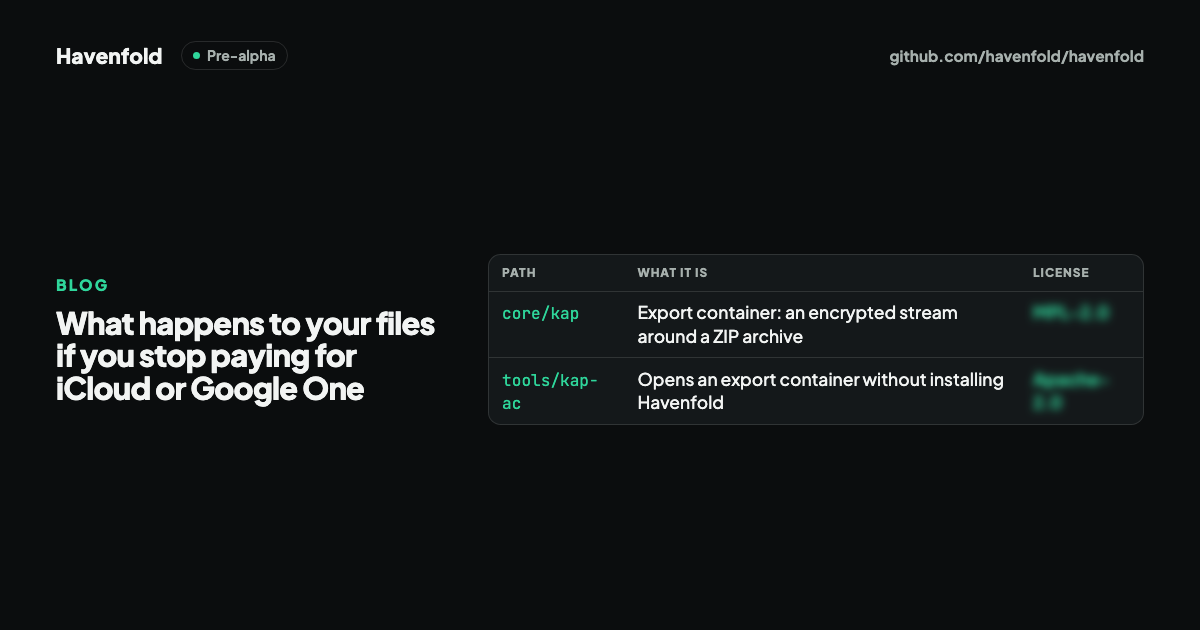
- Export in an open format. Havenfold defines one encrypted export format for every product, and the repository includes a small open-source tool, export-open, that opens an export without installing Havenfold.
Be clear about where it stands, though. Havenfold is pre-alpha: do not use it for real data. It does not back up photos today; backup is designed as a built-in job but isn't implemented yet. It has not run in a real home and has had no independent security audit. If you are cancelling a cloud plan this week, follow the checklist above with tools that work today.
Summary
- Cancelling iCloud+ or Google One doesn't delete your files on the spot.
- With iCloud, if you're over the free amount, syncing and backups stop.
- With Google, uploads and backups stop, Gmail can be affected, and content over quota for 2 years or longer may be deleted after notice.
- Download a full copy, check it opens, keep a second copy elsewhere, get under the free limit, then cancel.
- Havenfold is built on the idea that data should outlive a subscription, with an open export format; it is pre-alpha and not a backup service today.
Havenfold is pre-alpha: do not use it for real data. It has not yet run in a real home, and there is no independent security audit yet.
Sources
- Apple Support: Downgrade or cancel your iCloud+ plan
- Apple Support: Download iCloud photos and videos
- Apple Support: Archive or make copies of the information you store in iCloud
- Google One Help: Purchase, cancellation and refund policies
- Google One Help: Cancel your Google One membership
- Google Drive Help: storage and what happens when you're over quota (answer 9312312)
- Google Account Help: download your data with Google Takeout (answer 3024190)
- Havenfold README: Why Havenfold and Status
- RFC-0014: export container (Turkish)